Your first shift
DashPilot records delivery work you enter and route samples your device captures. It does not import orders or earnings from another app. No account, target or financial setup is required.
A short welcome
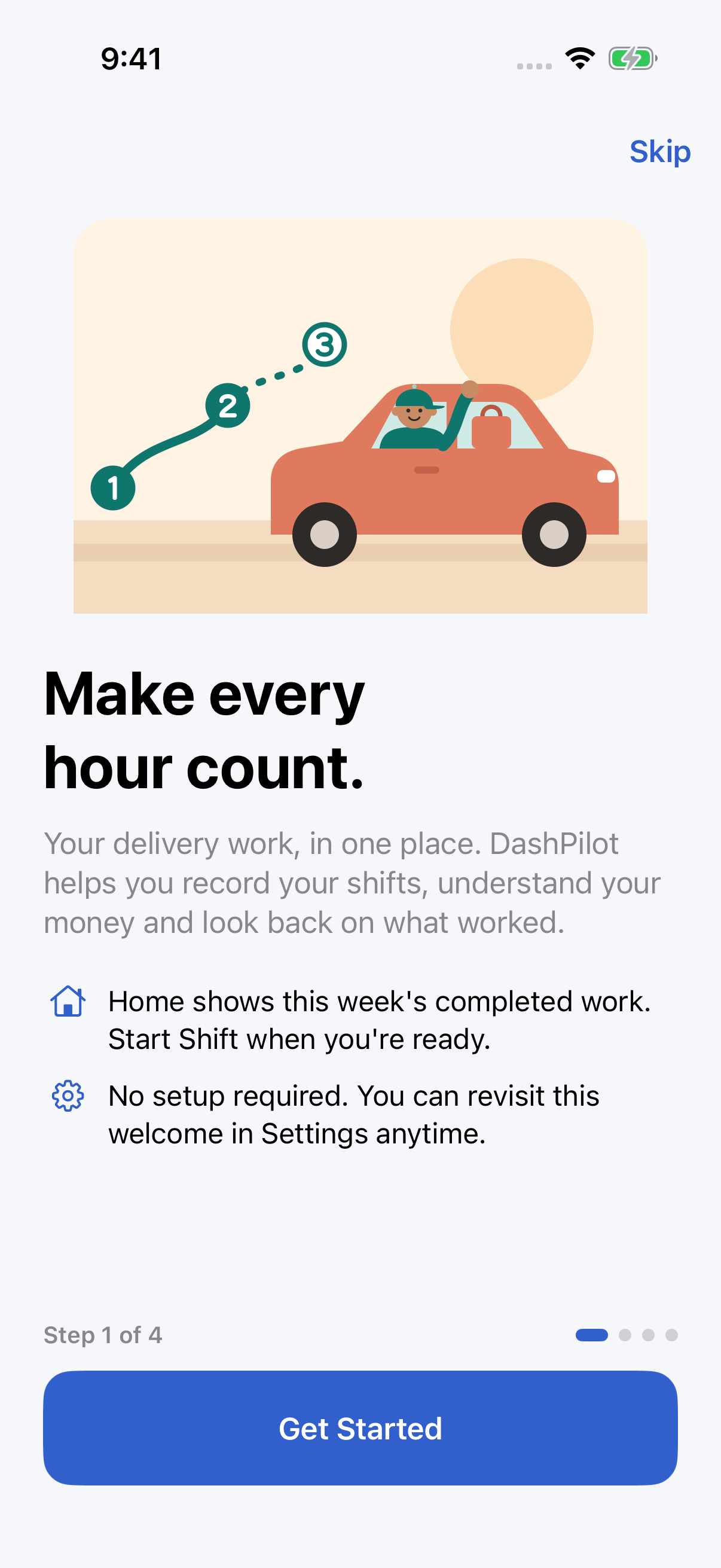
The four welcome pages introduce the app, tracking work, understanding money and local-first privacy. Use Next and Back, or Skip to start exploring immediately. Skipping and finishing both mark the welcome as seen. An established install with recorded shifts is not interrupted.
To revisit it, open the Settings gear in Home, Work or Money, then Welcome to DashPilot under About. Close returns to Settings. No permissions are requested by the welcome.
Start on Home
- Tap Start Shift when you begin work. The app opens Work with your active controls.
- If you want route recording, use its location explanation and permission control. Only When In Use access is requested. A shift can exist without a recorded route.
- Add a delivery or an offer containing several deliveries. Record Arrived at Pickup, Picked Up and Delivered for the appropriate delivery, when it is safe to stop.
- Use Park Vehicle when working on foot. Route recording stops, but working time continues. Use Resume Driving when leaving. Pause Shift is for a break and stops both working time and recording; resolve deliveries in progress before pausing.
- Resolve each delivery before ending the shift. Open its History detail to record shift gross earnings or correct a mistake. Delivery earnings are independent of the shift amount.
The shift workflow and delivery lifecycle explain stacked offers, optional pickup assistance, Undo and historical corrections.
Review your records
Home shows completed shifts from the current Monday-through-Sunday week. An active shift joins those figures only after it ends. Work contains History and Older Weeks. Money lets you select a week, enter expenses, explore Insights and open reports. Settings is available from each workspace toolbar.
Missing earnings are not zero. Recorded mileage may be partial. Fuel estimates are separate from recorded expenses. Read earnings and coverage before interpreting a rate or net subtotal.
Optional defaults
Settings can hold a vehicle, fuel assumptions and a Target hourly earnings benchmark. A target applies to shifts started after it is saved. It is optional and never predicts what a shift will pay. Amounts use USD; there is no currency selector or conversion. See Settings.
Keep control of your data
Records are local. Export is explicit, user initiated, and is not a supported restore backup. Review privacy and limitations before relying on route capture or keeping your only copy of important records in the app.